After completing the data agreement, you will be redirected back to the dashboard. On the left-hand side of the dashboard, you will see a tab for Platforms and a tab for the Deepchart Web Platform.
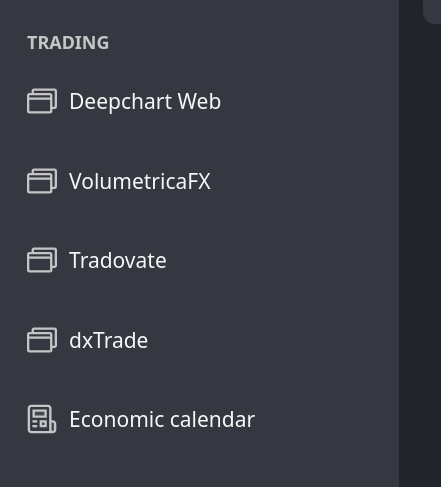
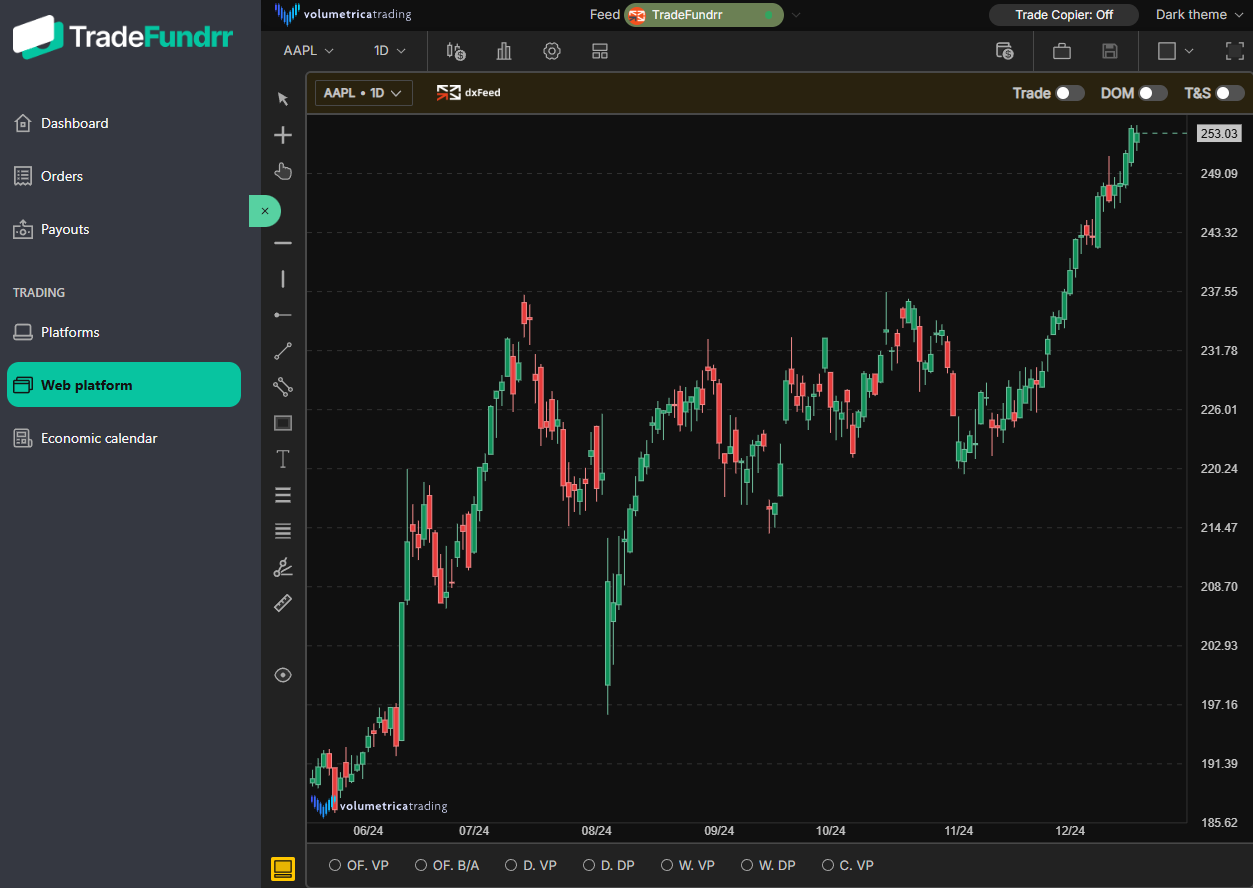
The Deepchart Web platform tab will take you directly to the web-based trading platform (this is the preferred option). You can customize the layout of the Web platform to your liking and when you return to trade in the future, it will load the customized layout:
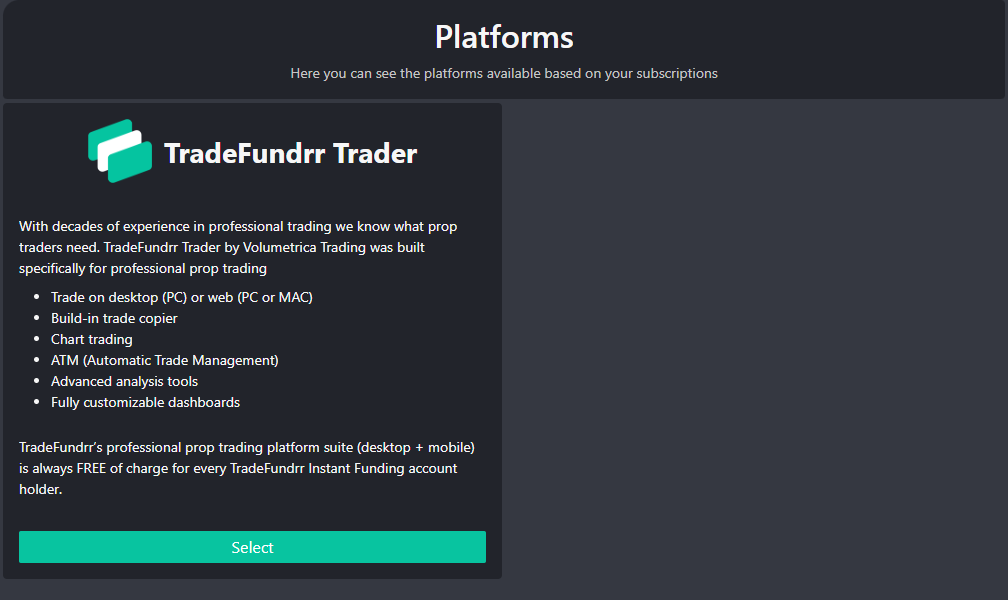
The Platforms tab will show the available platforms for trading other than the Web platform (below). These are only download links. To access these other platforms in the future, you will need to go directly to those apps. For stock accounts, the only other available option is the TradeFundrr Trader desktop. If you have accounts in different asset classes (futures or options), more platforms will be available in this section.
Was this article helpful?
That’s Great!
Thank you for your feedback
Sorry! We couldn't be helpful
Thank you for your feedback
Feedback sent
We appreciate your effort and will try to fix the article